KWT Spider – Advanced SEO Crawler & Website Audit Tool

KWT Spider is built to perform crawling and analyzing tasks for your website, just like a search engine. The tool identifies multiple things, like technical SEO issues, optimizing performance, and improving rankings through the fast-crawling engine.

  • ✔ Complete Website Crawling
  • ✔ Technical SEO Audit
  • ✔ Core Web Vitals Insights
  • ✔ AI Search Optimization Ready
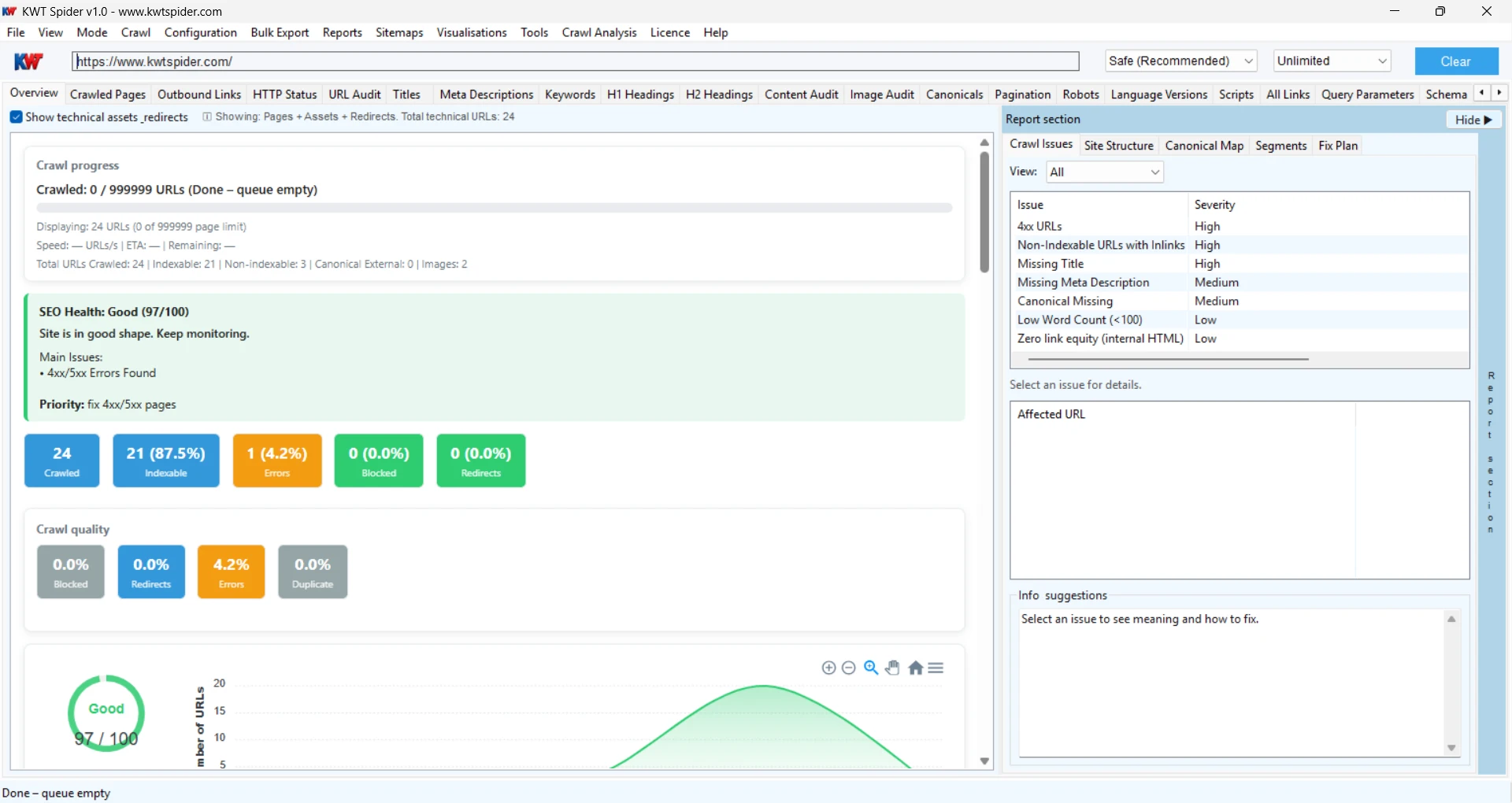
KWT Spider – SEO Crawler interface
Built for SEO Professionals & Agencies Desktop-Based Fast Crawling Engine Supports Small to Large Websites Detailed Reports & Export Options

What is KWT Spider?

A desktop-based tool which is designed to crawl and analyze websites with search engine crawlers and understand the web pages. The tool works to filter the overall website and uncover technical issues, broken links, duplicate content, missing metadata, and structure problems, which are the main issues of down-ranking.

All users who face trouble during crawling, such as professionals, agencies, or website owners, can effortlessly utilize this tool that grows your website's visibility, performance, and indexing by providing Action-oriented insights.

A tool developed as a modern alternative to traditional SEO crawlers, the software focuses on AI-ready SEO — helping your content perform better across Google and AI-powered search platforms.

Developed by Krishna WebTel – combining SEO expertise and software development experience since 2015.
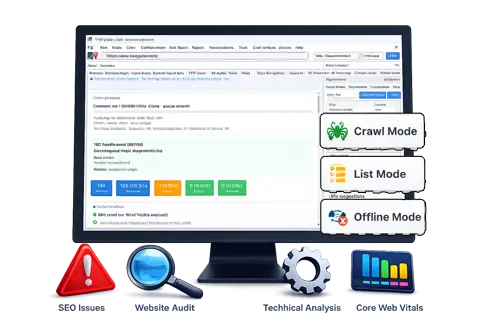
KWT Spider – SEO Crawler tool

Key Features

Website Crawling

With the help of a fast and efficient crawling engine. The tool crawls all URLs, links, images, and resources across your website.

Technical SEO Audit

The work of this application is to filter the broken links, redirects, duplicate content, missing tags, and indexing issues affecting your SEO.

Core Web Vitals Analysis

Software analyzes and identifies page performance, loading speed, and user experience signals to improve rankings.

AI SEO Insights

The tool performs content structure optimization and data for AI search engines like ChatGPT, Gemini and AI-driven results.

Metadata Analysis

This tool analyzes all the metadata, such as Audit titles, meta descriptions, headings, and content structure for SEO improvements.

Export Reports

For analyzing data more deeply, the user can export the crawl data and report it in CSV or Excel format.

What Can You Do with KWT Spider?

How It Works

  1. Enter the URL of your website.
  2. Commence the process of crawling your website.
  3. Evaluate SEO data and issues.
  4. Resolve issues and export reports.

Tutorial

Introduction

Who Should Use KWT Spider?

  • SEO professionals
  • Digital marketing agencies
  • Website owners
  • Developers and technical teams

Use Cases

For SEO Agencies: Accomplish detailed client audits and generate actionable reports.

For Website Owners: Recognize issues and improve search rankings.

For Developers: Analyze structure, errors and performance issues.

For Digital Marketers: Streamline pages for traffic, conversions and visibility.

Crawling modes

KWT Spider vs Other SEO Tools

  • A desktop crawler that is both lightweight and rapid
  • user-friendly Interface
  • Emphasize practical SEO insights
  • SEO support that is AI-ready
  • A cost-effective alternative

The KWT Spider was developed with a modern interface and a powerful switch to traditional SEO crawlers, which focuses on real usability and actionable insights.

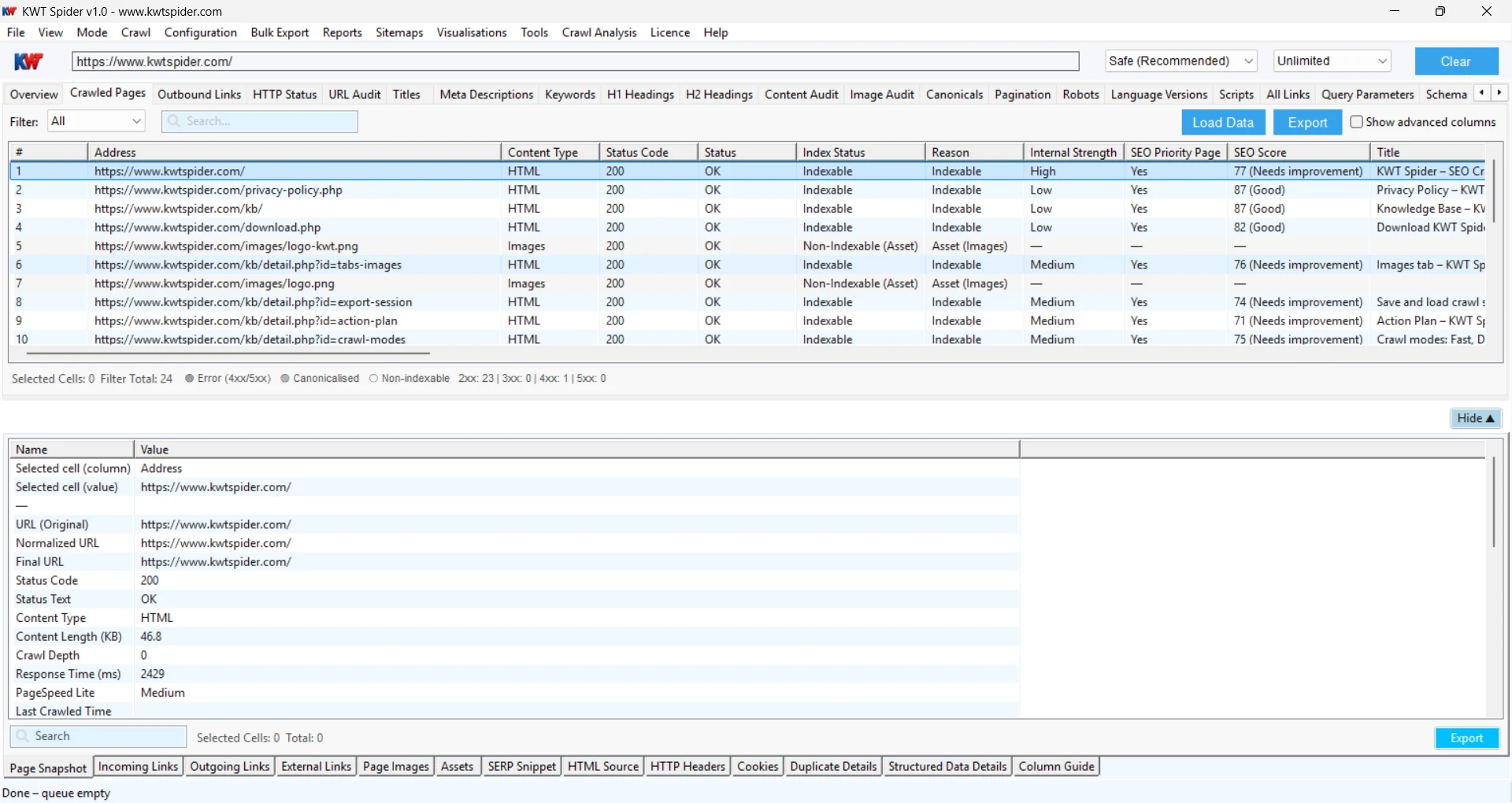
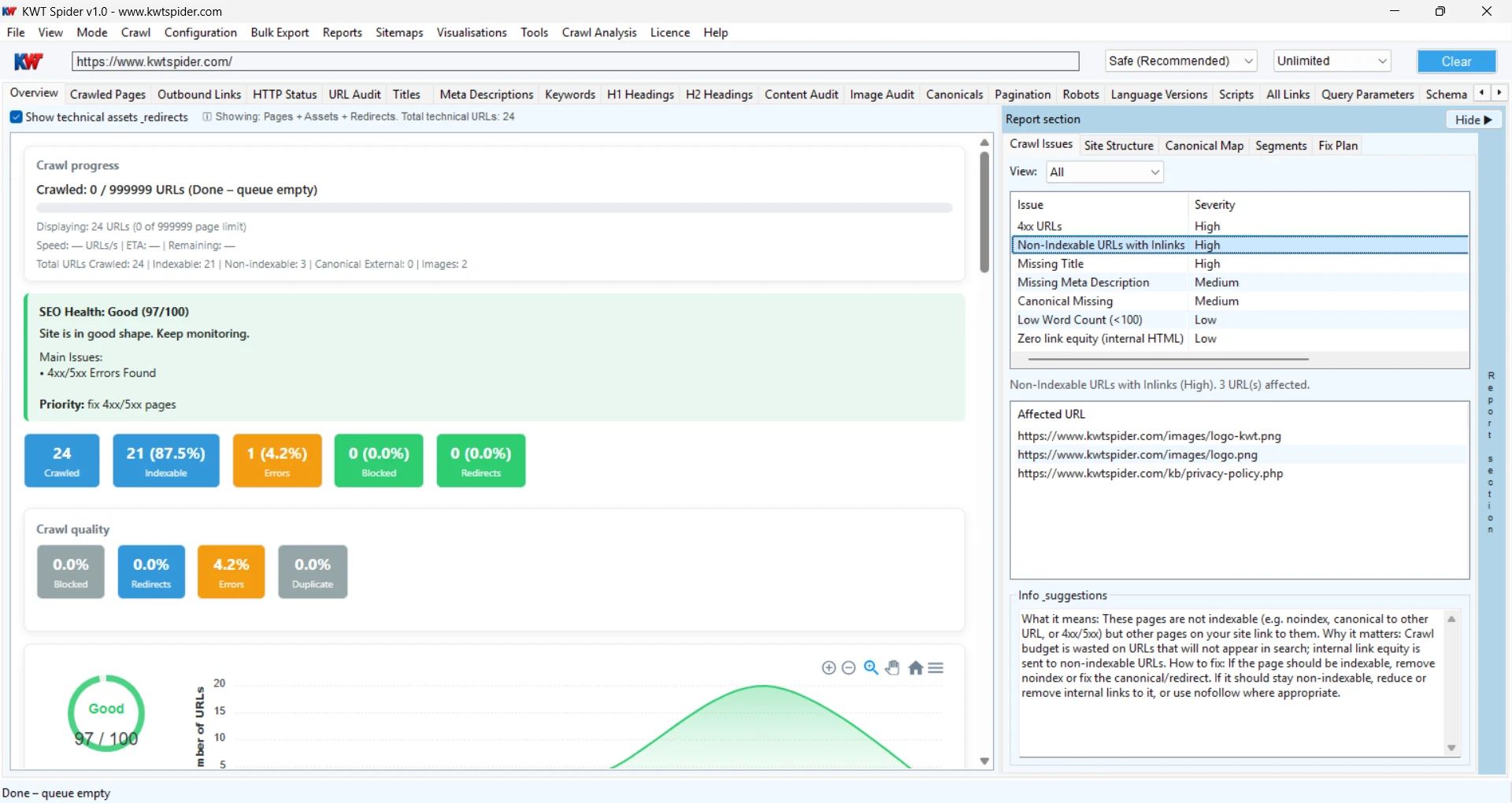
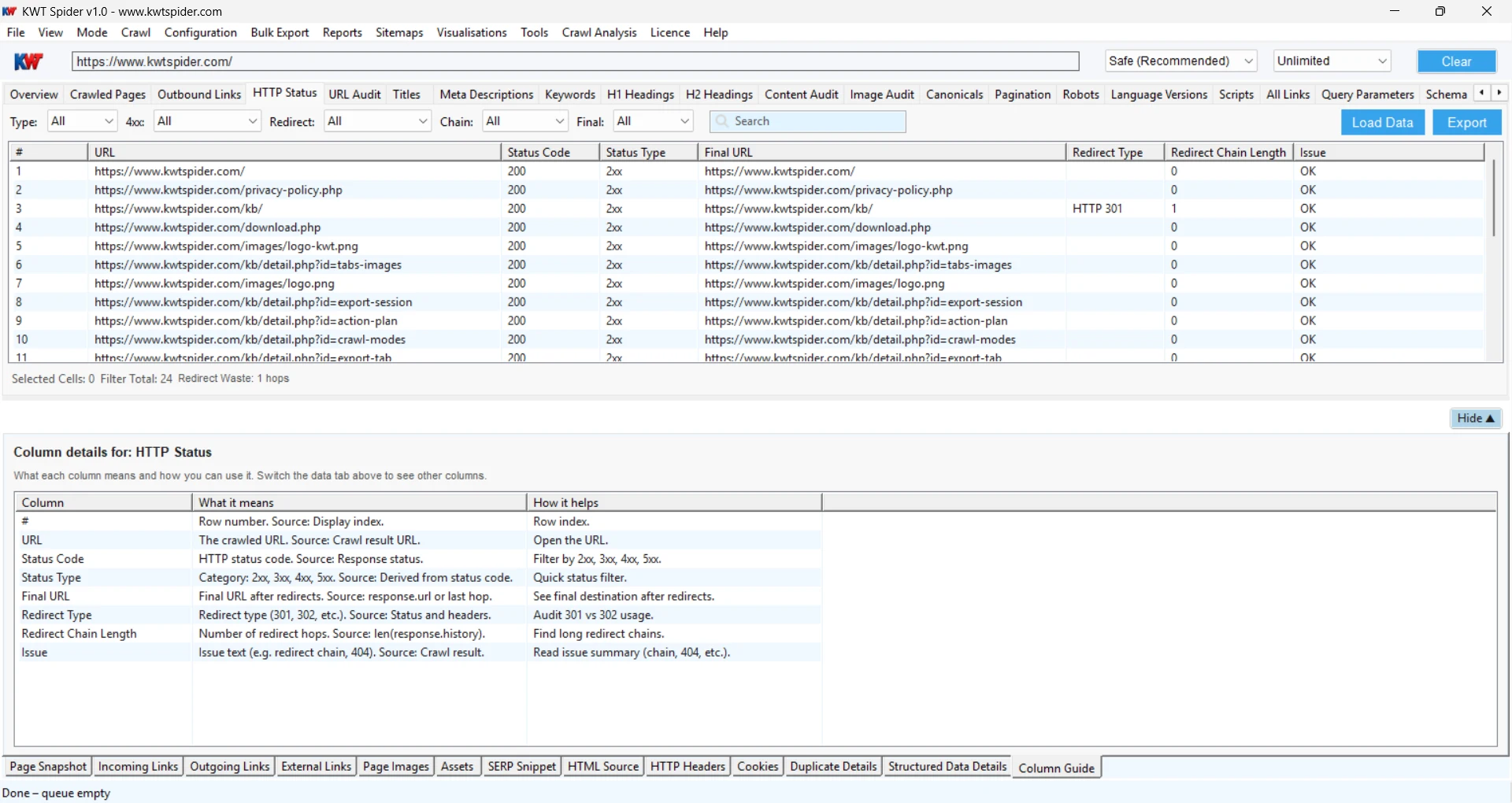
See KWT Spider in Action

Analyze websites visually and get actionable insights instantly. Click any image to zoom.

Reporting & Export

Provides a quick structure of reports that helps users to understand and fix SEO issues efficiently.

  • Crawl reports
  • Error reports
  • Page-level insights
  • Export to CSV / Excel

System Requirements

  • Operating System: Windows 10 / 11
  • RAM: Minimum 4GB
  • Storage: 500MB free space
  • Internet: Required for crawling

Download KWT Spider

Download the Software and start crawling your website with KWT Spider. Check out the Free version and explore the powerful SEO crawling features.

Frequently Asked Questions

Yes, a free demo version is available with all the essential features. Advanced crawling features are available in the licensed version.

Yes, the tool smoothly handles both small and large website data effortlessly.

Yes, it identifies issues like broken links, duplicate content, missing tags, and crawl errors.

No, the interface is user-friendly and designed for both beginners and professionals.

The tool focuses on simplicity, speed, and actionable insights with support for modern SEO and AI search optimization.

Yes, an internet connection is necessary to crawl and analyze websites.